On your own PC
Install OSuite on a Windows 10 or 11 computer. It brings its own database, so there is nothing else to set up, and your books stay on that computer. It works without the internet; it only needs to go online to start the trial and, for a moment every 14 days, to renew the licence.
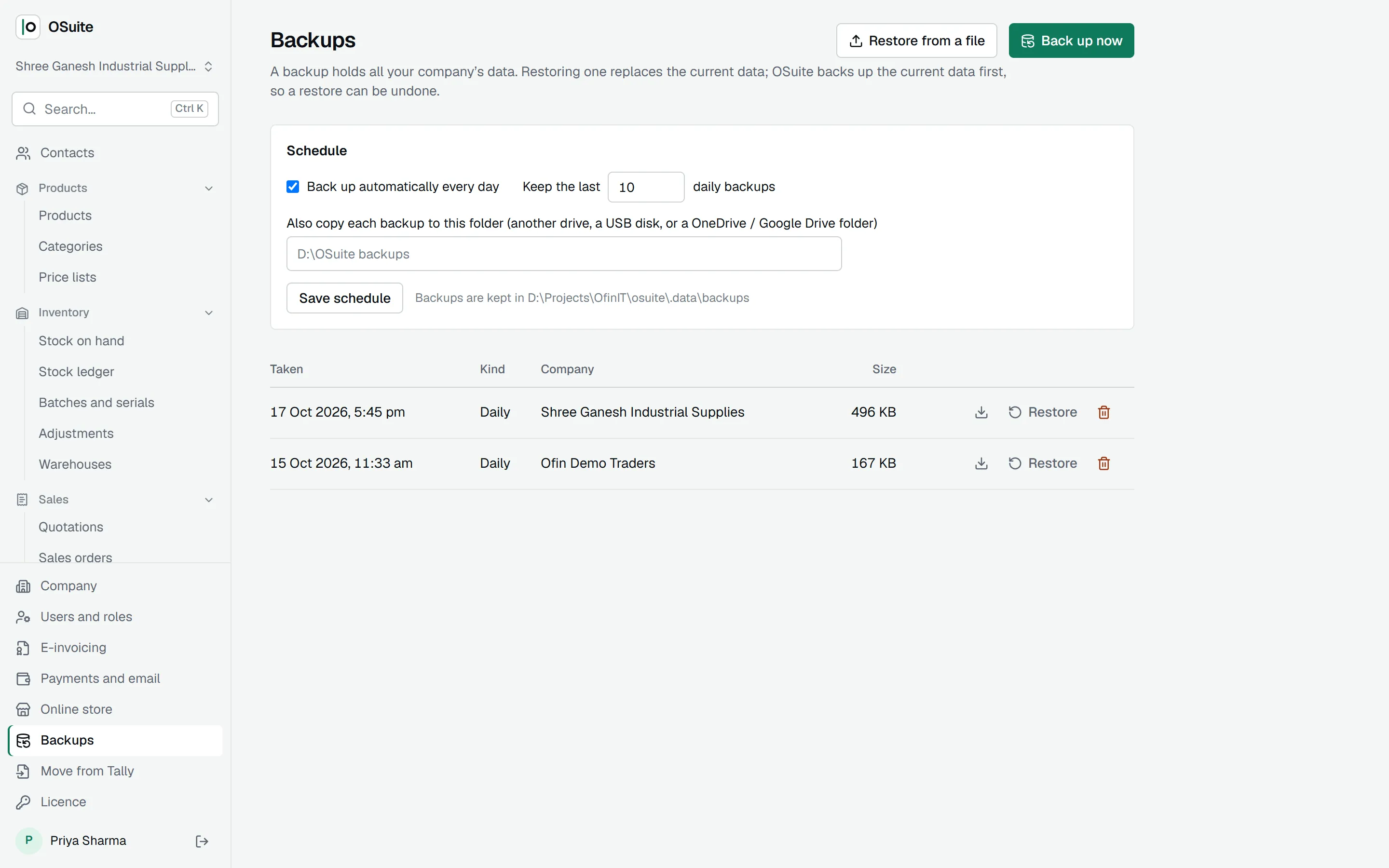
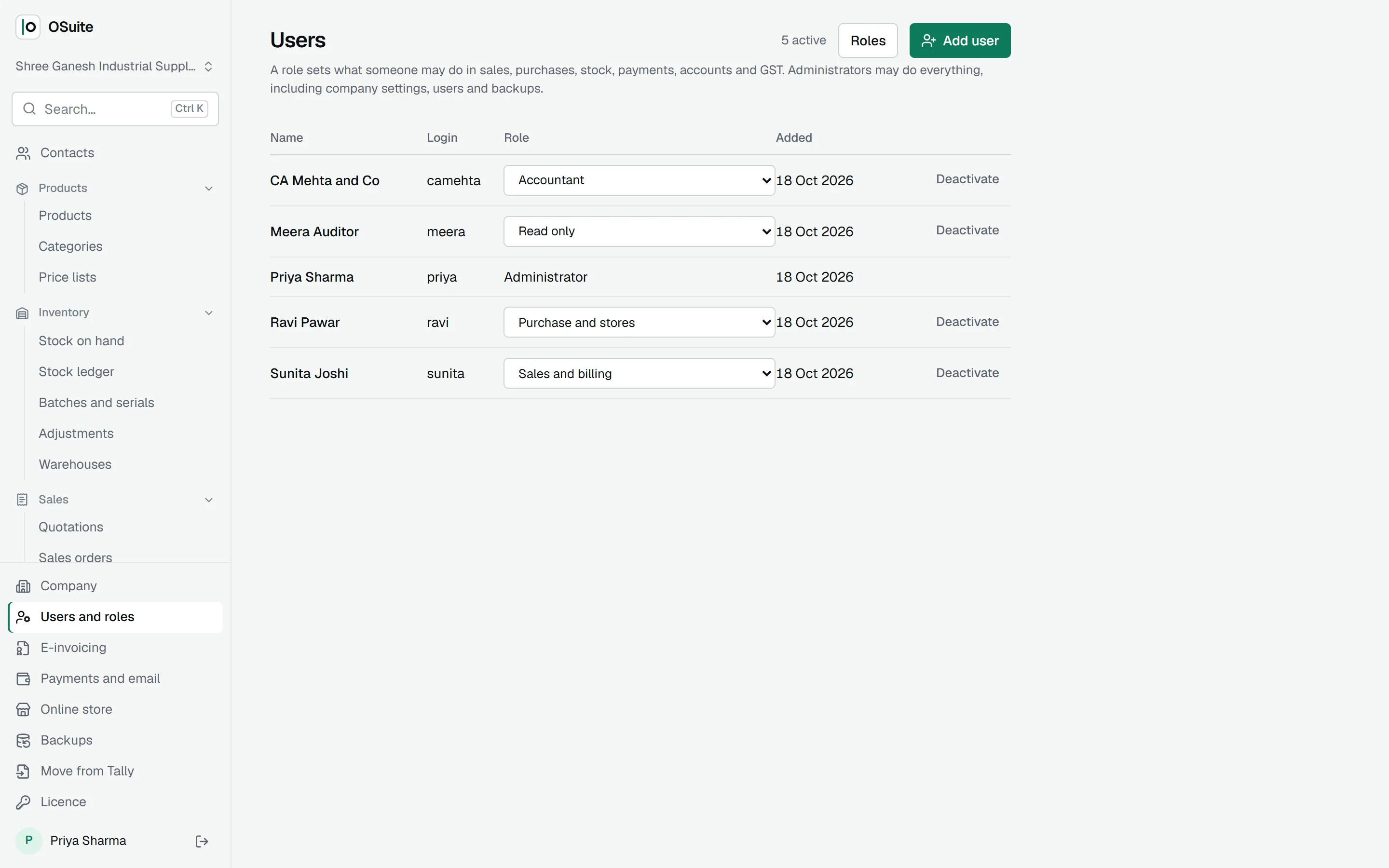
It runs on that one computer; people who share it each sign in with their own login and role. OSuite takes a backup every night and copies it to a second folder you choose, such as a USB disk or a OneDrive folder.
Choose the desktop if you work on one computer, want your data on your own machine, or have an unreliable connection.
In the cloud
We host OSuite for you and keep the backups. You open it in a browser from the office, home or the road, on a computer, tablet or phone; on a phone you can add it to the home screen and it opens like an app.
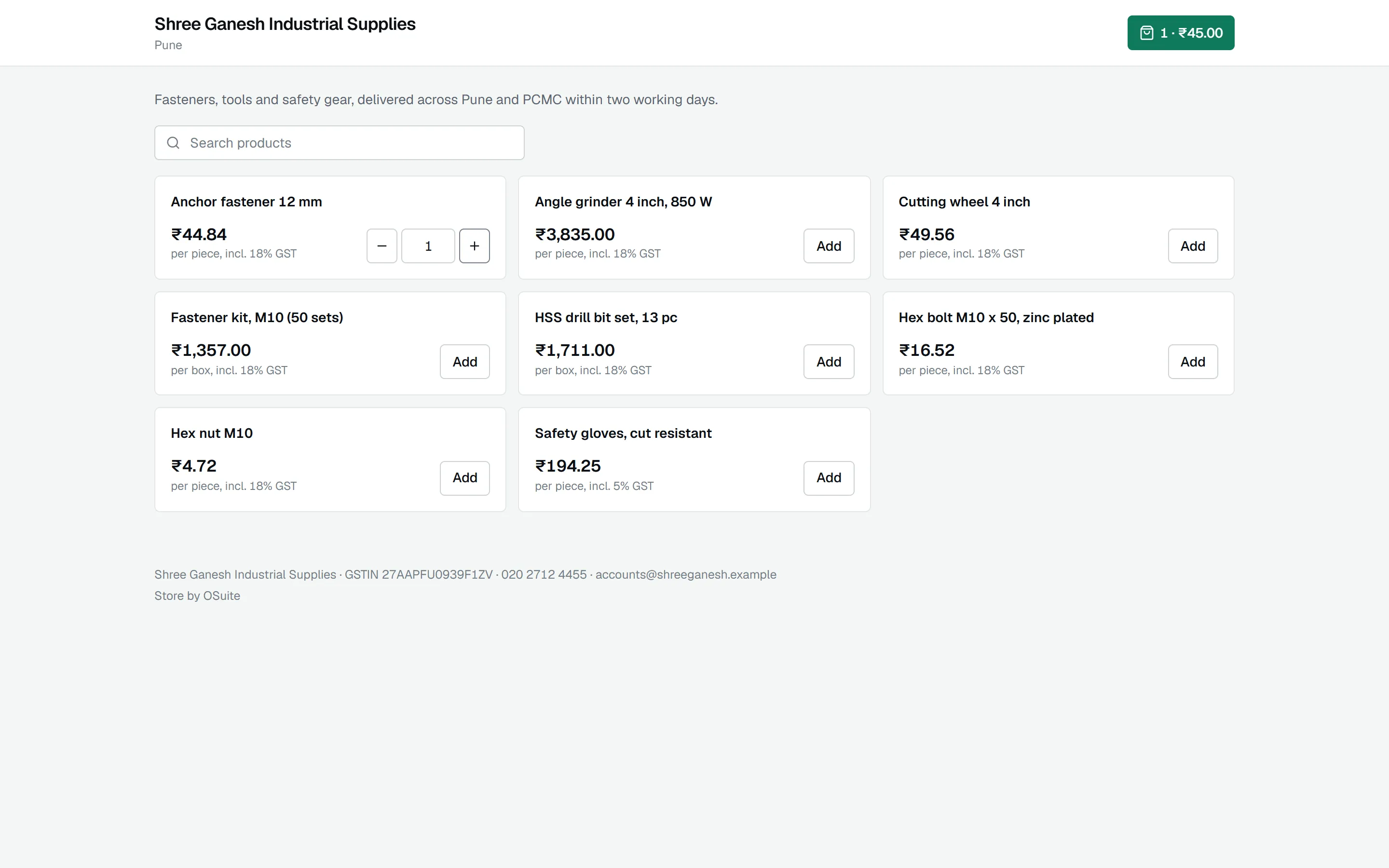
Anything your customers open from outside works out of the box in the cloud: shared invoice links, online payment links and their confirmations, and your online store. On a desktop these need the PC to be reachable from the internet, which most offices are not.
Choose the cloud if several people work on different computers, you have more than one branch, partners or an accountant who work from elsewhere, or customers who pay and order online.
What is the same
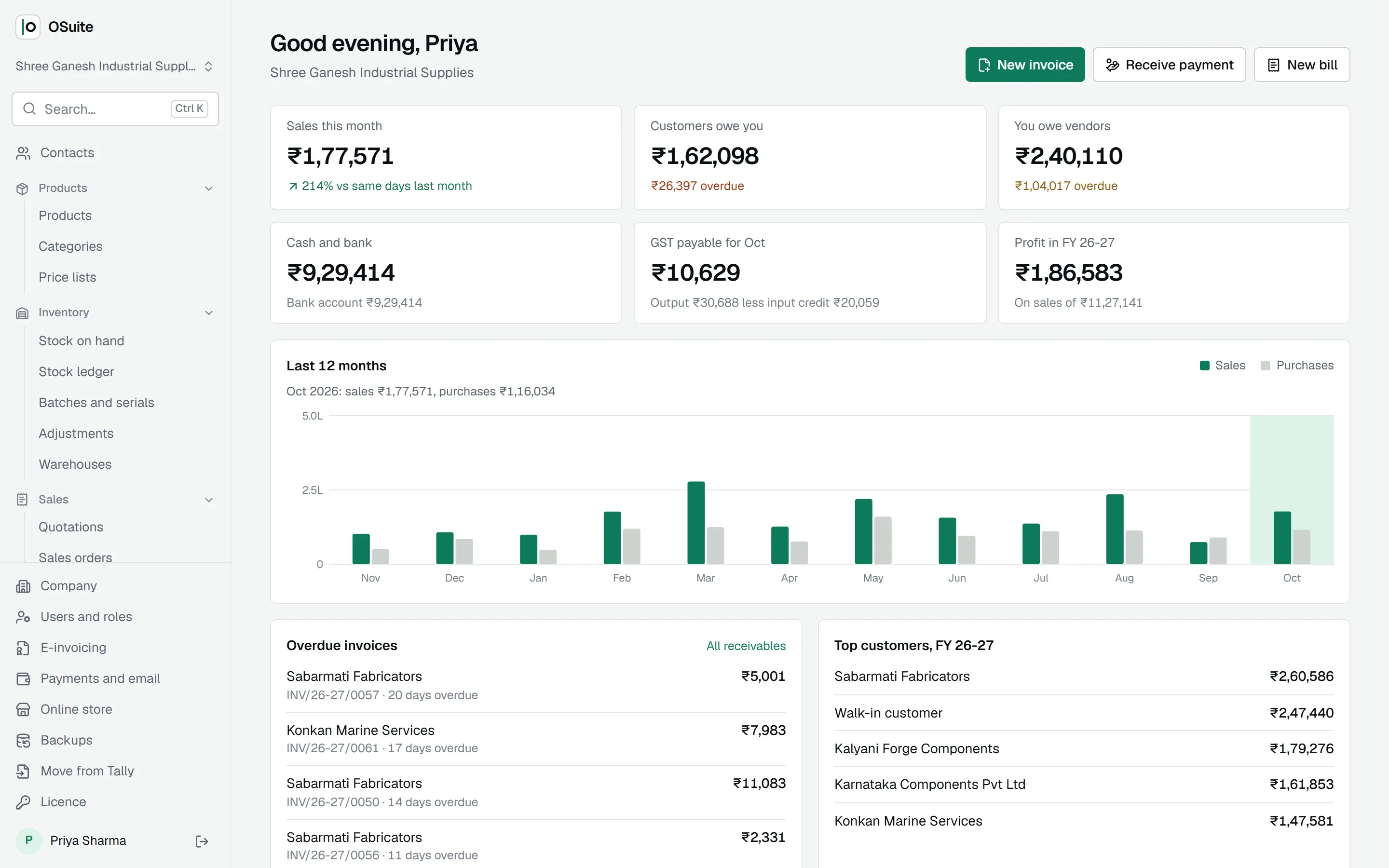
Every feature, every report, the same screens and the same keyboard shortcuts. GST returns, e-invoicing, inventory, payroll and the rest work identically, and your licence plan is the same; the cloud adds a hosting charge shown on the pricing page.
Changing your mind
Because it is the same software, your books can move from one to the other with a backup. Talk to us and we will help you move.